
Confirmed Before Morning
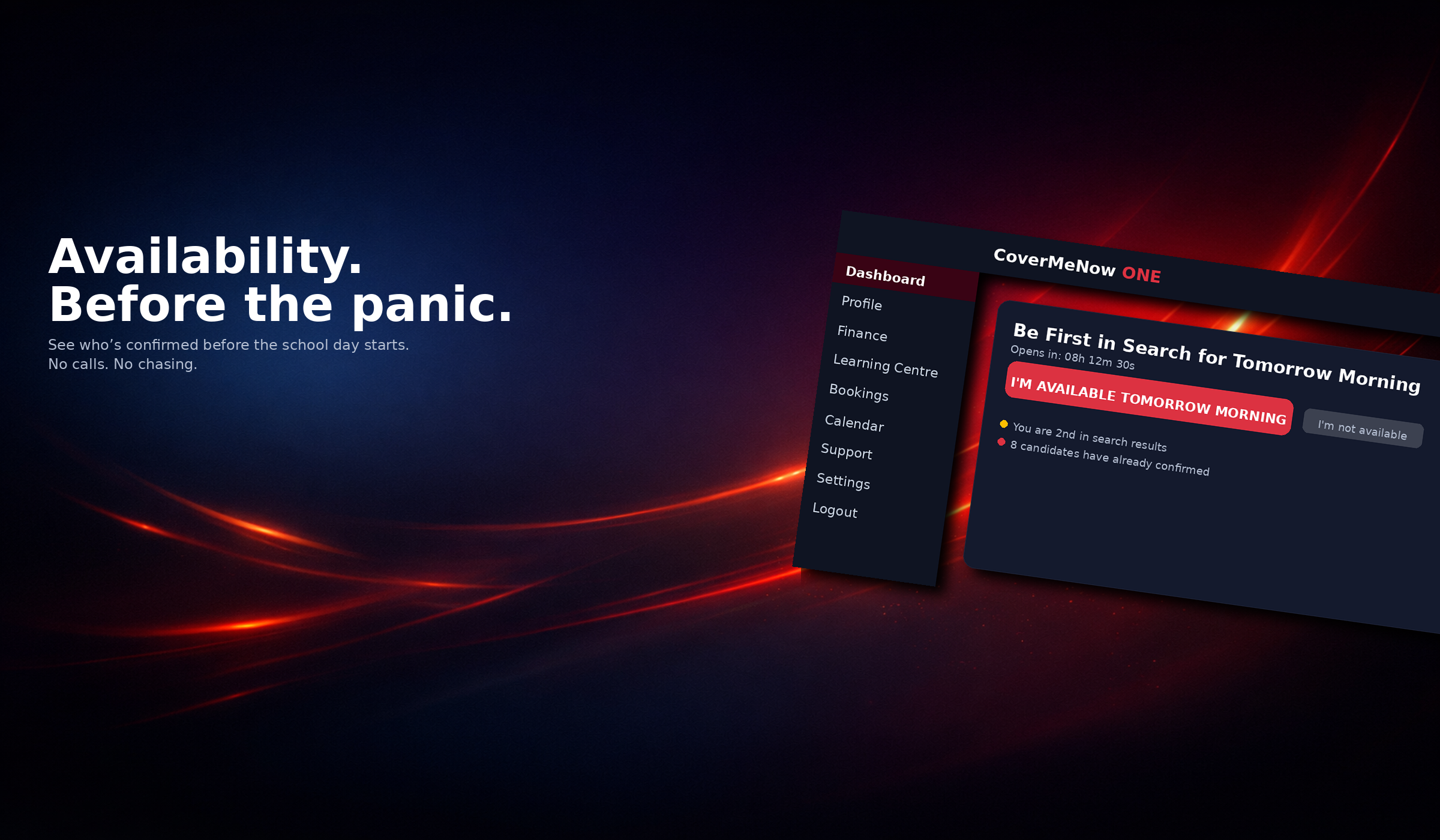
Candidates declare availability the night before. When you log in in the morning, you see who is already confirmed. No chasing. No uncertainty. Just clarity before the school day begins.
For Schools
See confirmed candidates first thing. Availability is declared the night before — so your morning starts with answers.
Candidates declare availability the night before. When you log in in the morning, you see who is already confirmed. No chasing. No uncertainty. Just clarity before the school day begins.
Once a booking request is sent, it must be accepted or declined within 10 minutes. If unresolved, it resets automatically. No limbo bookings. No waiting around.
You are not sending blind requests. You are contacting candidates who have actively confirmed they are available. This significantly reduces last-minute cancellations and no-shows.
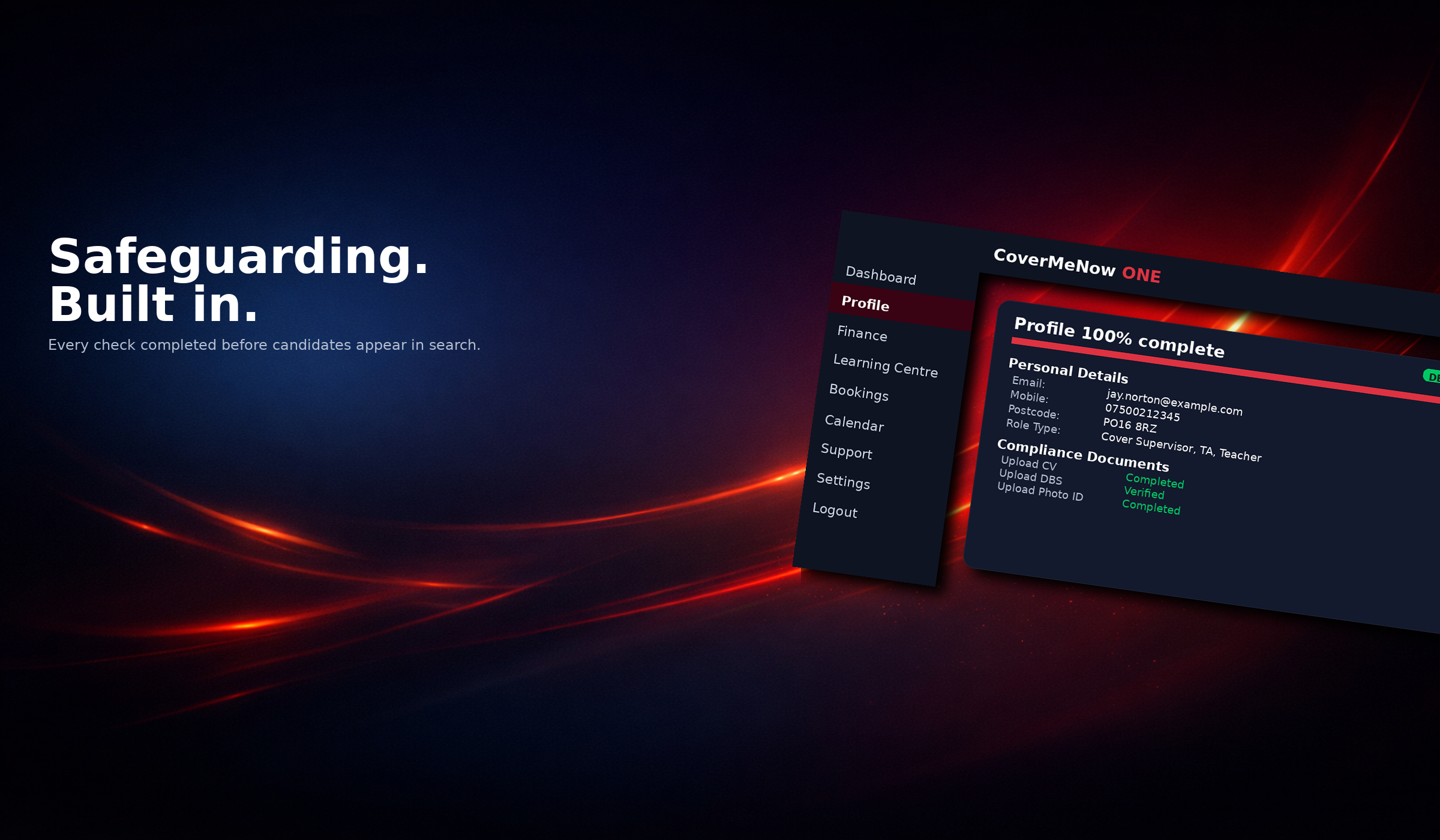
All compliance documents are tracked inside CMN ONE. DBS, ID, CV, and verification statuses are visible and logged. No paperwork chaos. No uncertainty.
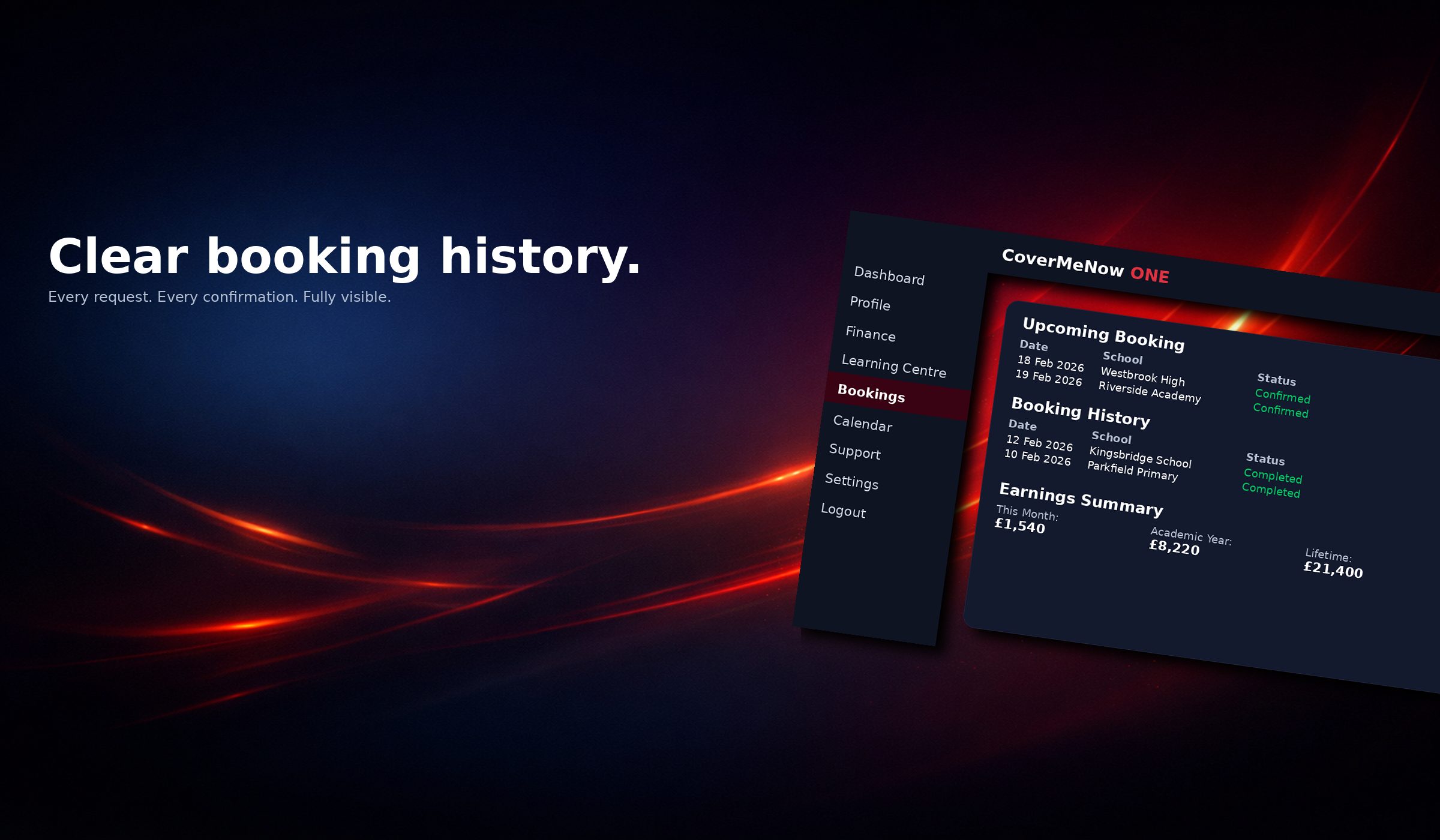
Every booking and communication is recorded within the platform. Clear audit trails. No disputes. No "he said, she said."
Schools earn structured invoice discounts based on completed bookings. The more consistent the partnership, the greater the long-term financial benefit.
Automation handles the process. Humans handle the relationship. Your account manager is available when it matters — not hidden behind a switchboard.
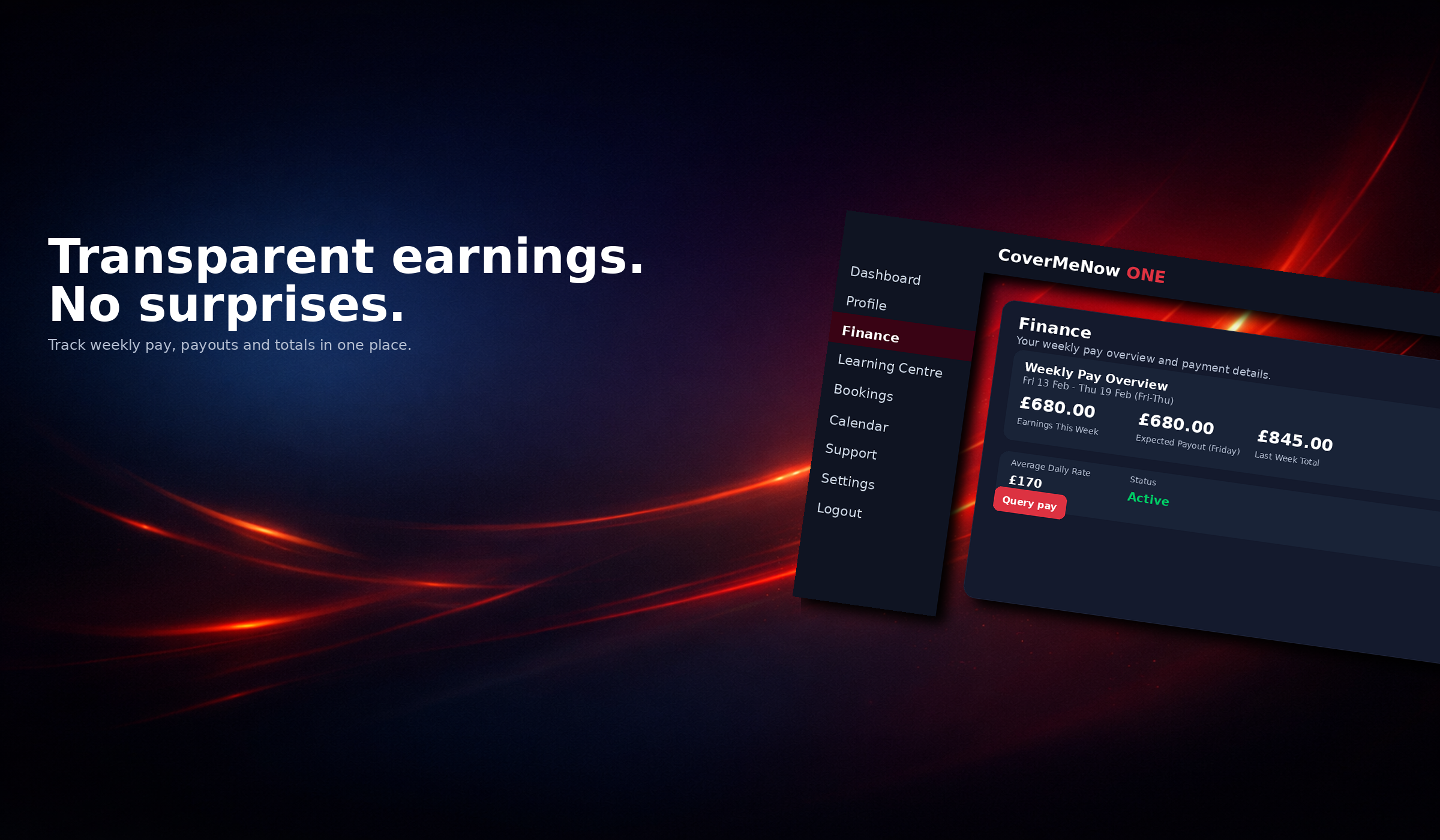
All charges are structured and transparent. Discounts are recorded. Credits are logged. No surprise billing.
Booking logs, confirmation systems, payroll windows, and reward structures are built into the platform. This is not reactive recruitment — it is organised supply management.
Higher-tier partner schools receive priority engagement and structured benefits based on loyalty. We reward long-term commitment, not one-off transactions.
Candidates operate within a structured conduct framework. Availability confirmations and booking logs significantly reduce last-minute dropouts.
Loyalty credits accumulate automatically once bookings are marked completed. Schools move closer to their next discount tier with every confirmed booking.
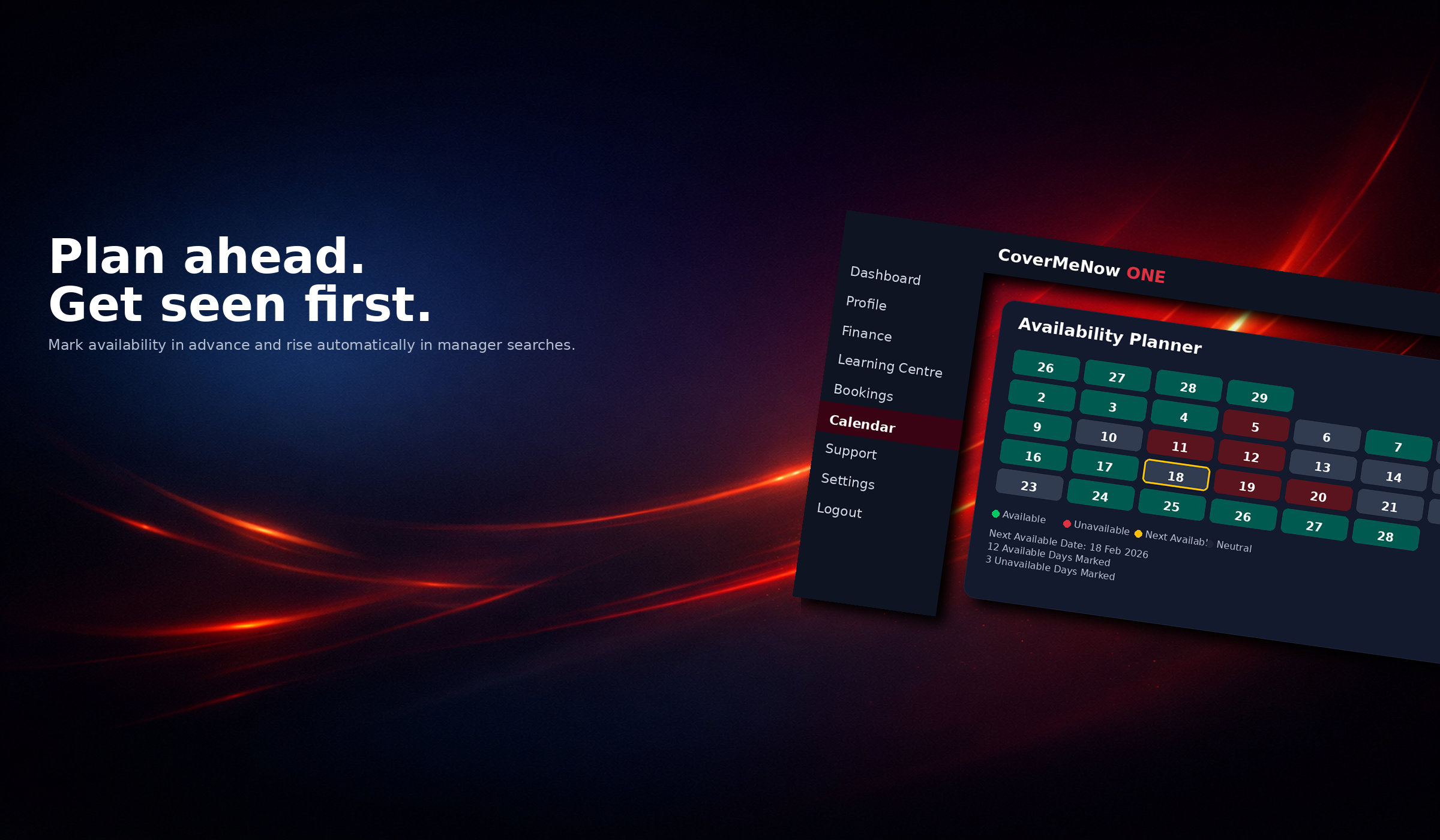
When there is an unexpected absence one morning, log into the CoverMeNow ONE portal. Candidates who have already declared availability the evening before are presented first.
For each available candidate you'll see:
Everything you need is visible before booking.
Once you select a candidate, you can confirm the booking quickly - often in under 10 minutes - with no back-and-forth calls.
Tier progression is based on completed bookings.
0%
Progress to Bronze to unlock structured invoice credits.
Locked
Available from Bronze tier.
A controlled escalation tool allowing Partner schools to notify verified candidates within a 30-mile radius. Candidates register interest, and bookings are resolved through the standard confirmation workflow.
Standard
Standard system routing.

Every visible candidate has completed required checks before they can be booked.

Requests, confirmations, and attendance are tracked in one audit-ready timeline.

When cover changes quickly, your team has direct support and clear escalation paths.
Talk to the CoverMeNow support team.
Your feedback helps us improve response quality.